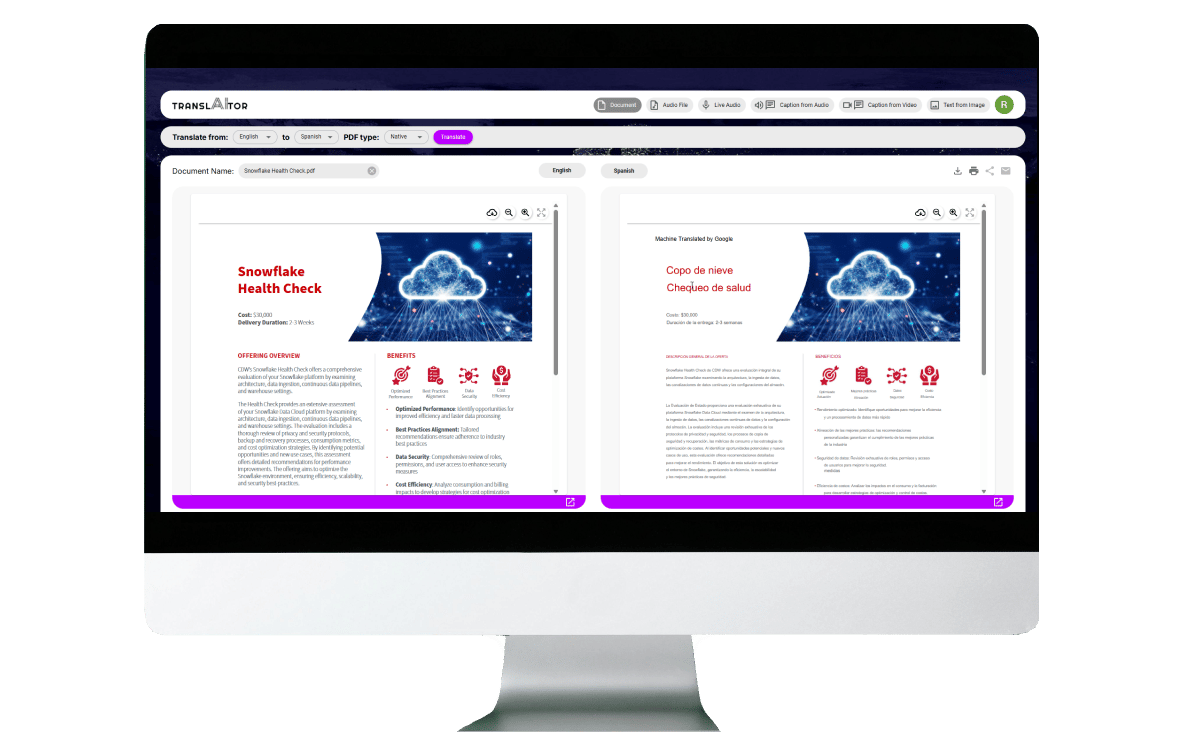
Build experiments (shipped)

TranslAItor App

Empowering Enterprise Autonomy: Designing a Secure, Self-Service AI Translation Tool

UX Design

UI Design

cross-collaboration

ai

User research

Executive Summary

Internal teams need to translate sensitive company assets, using public consumer tools poses a massive data privacy risk. This case study showcases how my UX / UI designs contributed to a secure, self-service web application.

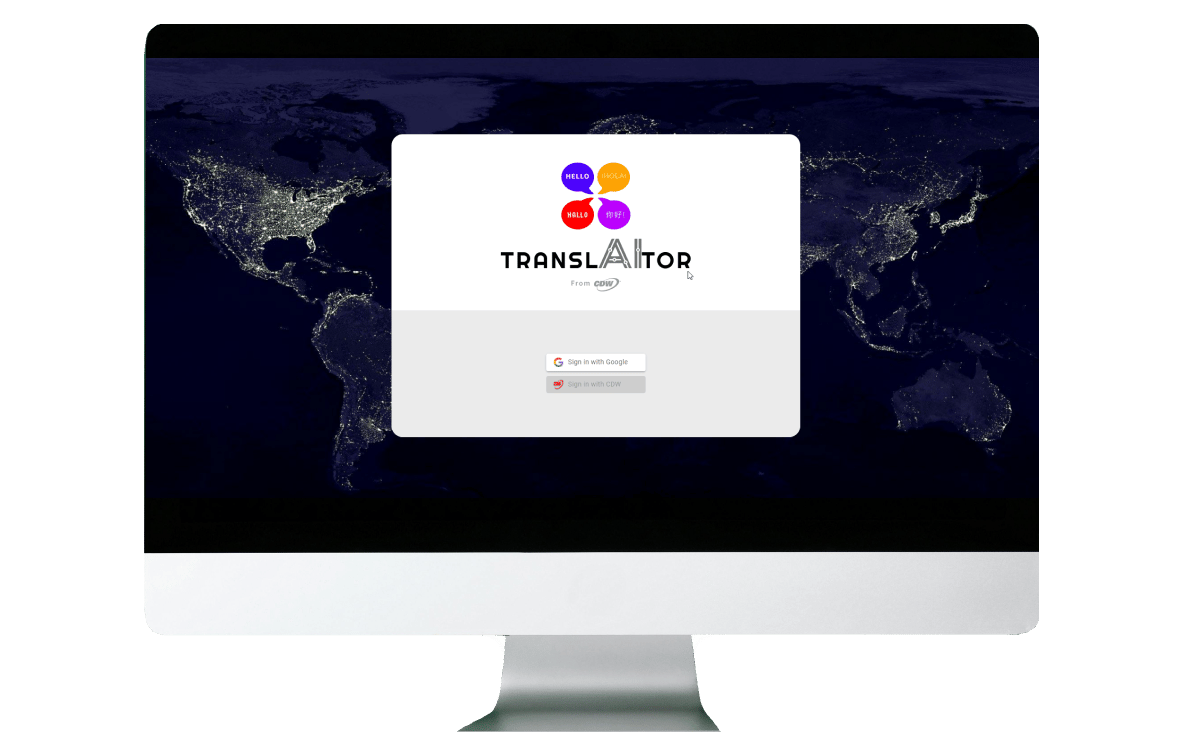
The app leverages the Google Cloud Translation API alongside AI—giving internal users complete desktop translation autonomy while keeping proprietary data strictly contained within the corporate firewalls.

My Role

Lead UX and UI Design

responsibilities

User Flows, User Research, User Interviews, User Interface Design, Design System Creation

collaborations

Software Engineers, Software Architects, Business Stakeholder, Graphic Designers, User Researcher, Project Manager, Division Leadership, Executive Leadership, Subject Matter Experts, AI Engineers

timeline

1 month, project is ongoing

Project Overview & The Challenge

The Vision

  • Desktop-optimized web application that allows internal corporate users to independently translate document assets
  • Make it user friendly to increase adoption to stay in-house reducing security concerns of outside tools

The Problem

  • Employees frequently bypass slow, official local apps to use public translation tools
  • Dropping sensitive, unreleased product data,risks major intellectual property leaks

The Solution

  • A secure, internal-only portal backed by Google’s Enterprise Translation API
  • Will be paired with LLM capability to refine contextual tone

step 1 > The UX Discovery & System Mapping

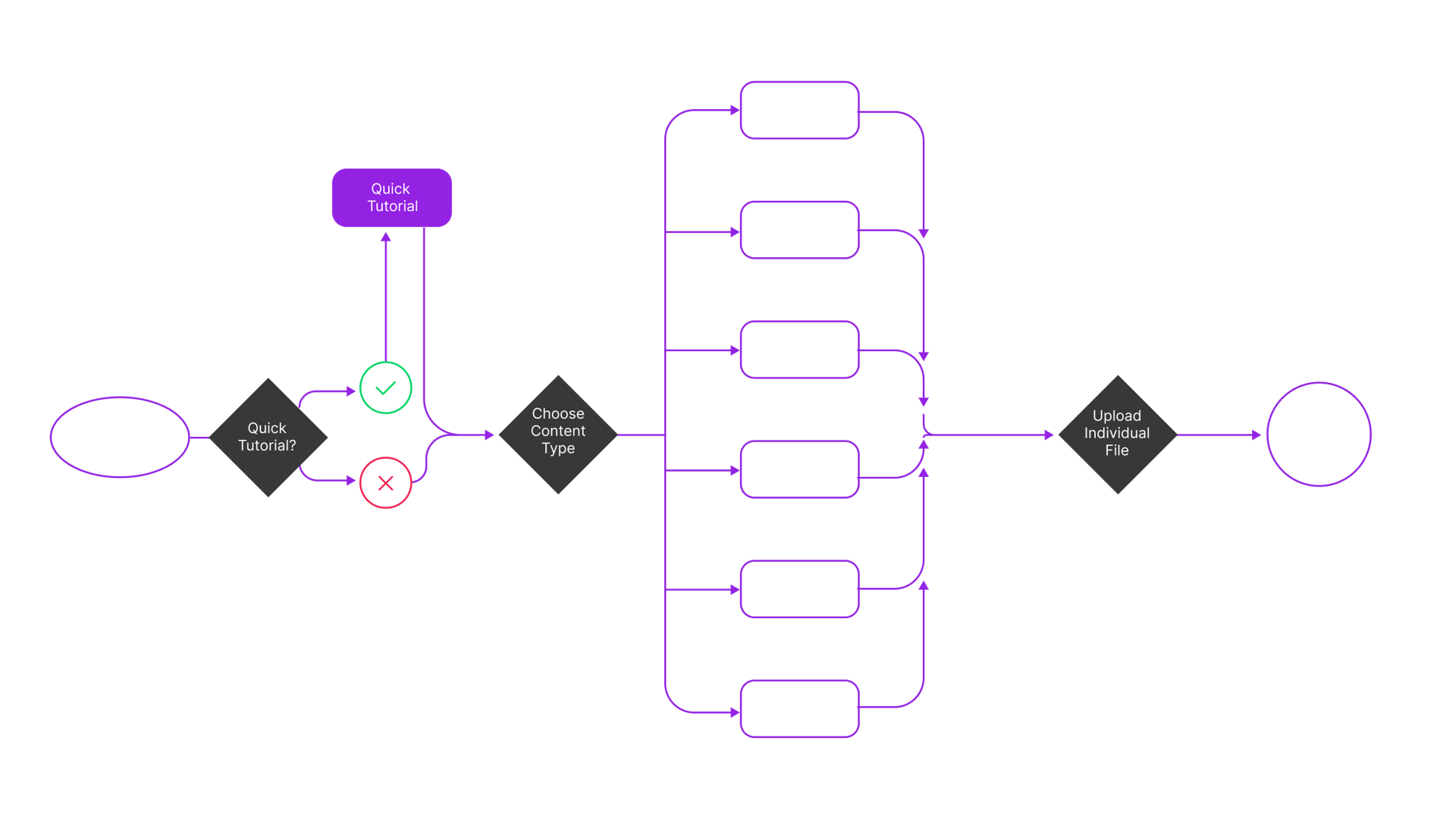
Before writing code, the core user flow was mapped to solve for the primary enterprise friction points: speed, file handling, and trust clarity.
step 2 > Key UI Pillars Designed

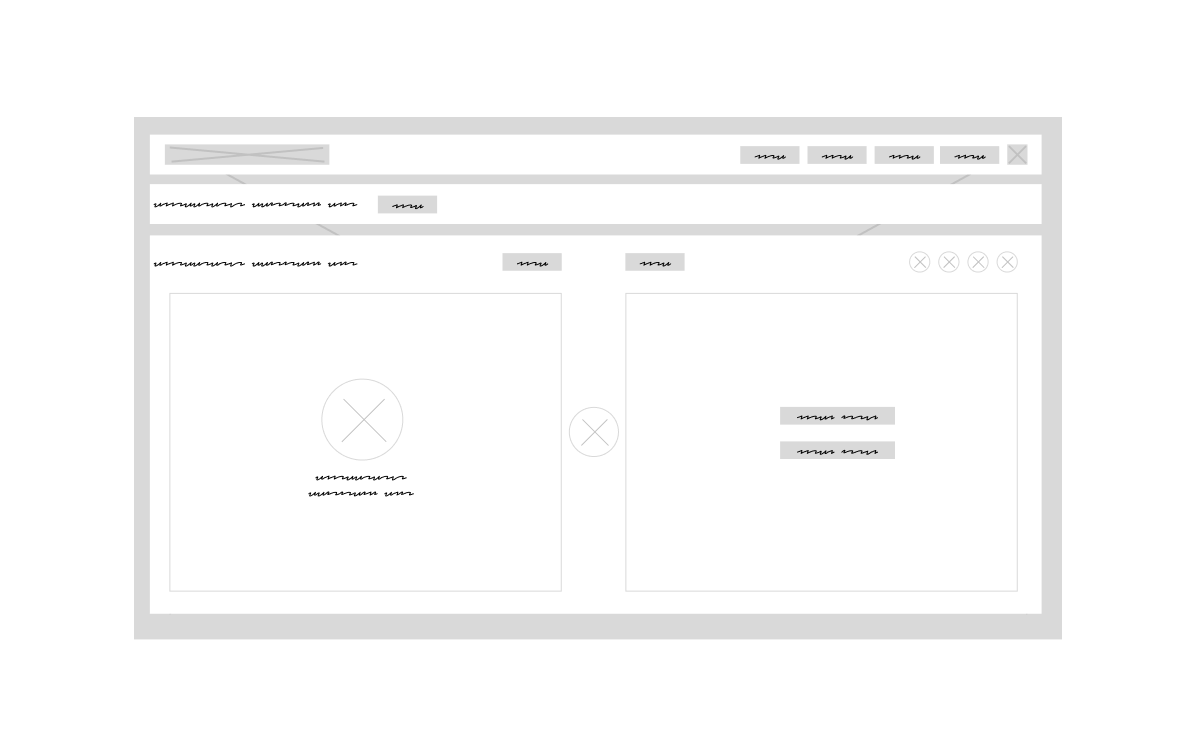
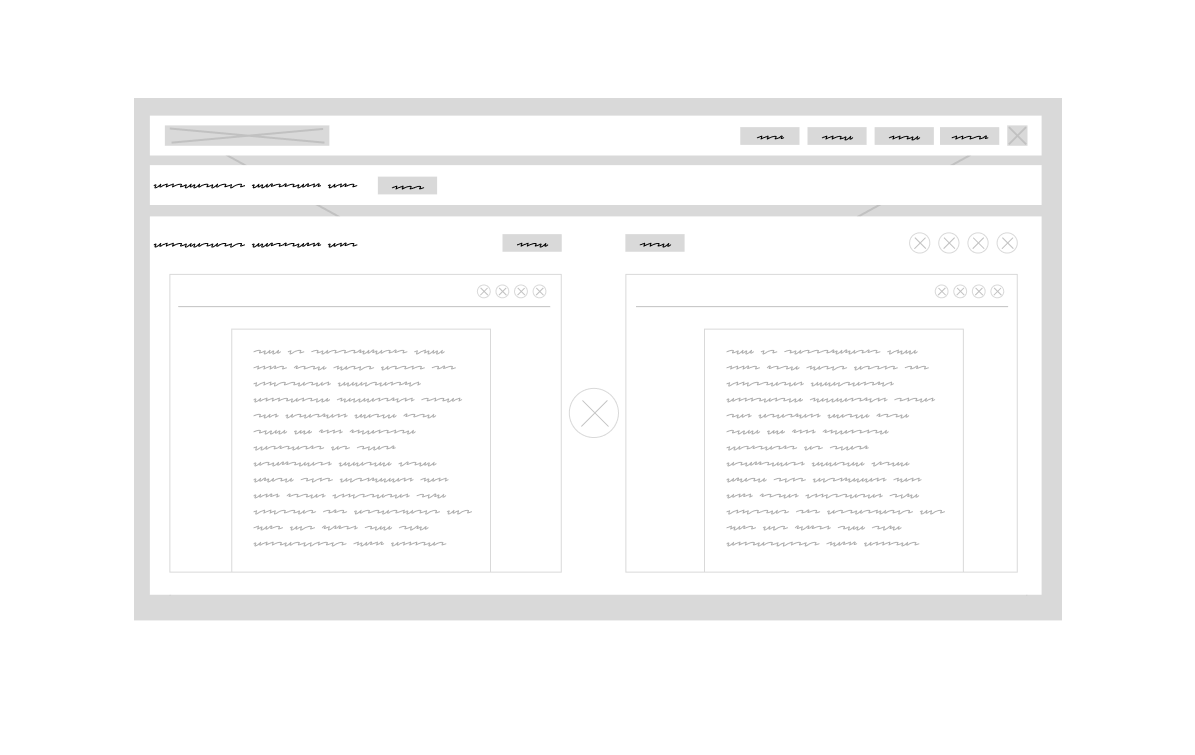
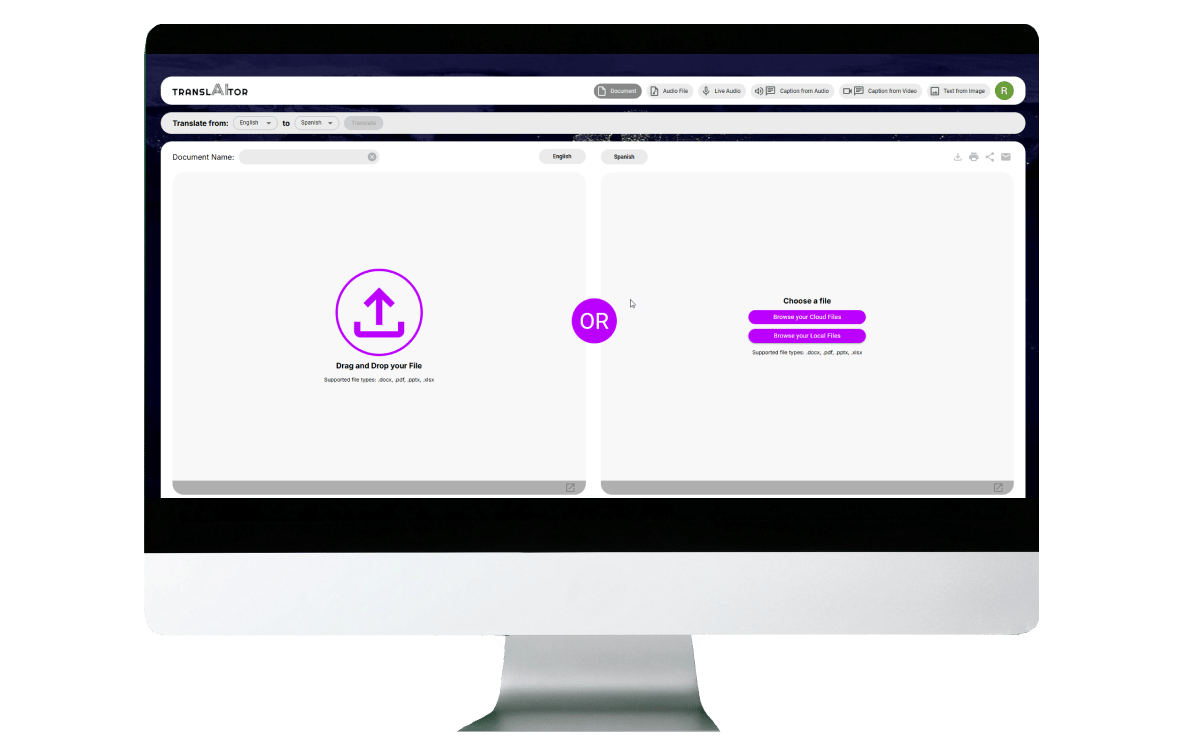
  • The Dual-Pane Workspace: A clean split-screen interface mimicking familiar translation utilities, but optimized with modern enterprise layout controls (e.g., side-by-side scrolling, formatting preservation).
  • The "Zero-Trust" Security Indicator: A persistent visual banner reassuring users that their data is encrypted, processed instantly, and never stored or used for model training. This explicit UX choice was critical to shifting employee behavior away from public tools.
  • Smart File Interrogation: Designing a drag-and-drop zone that handles multi-format assets (.docx, .json, .csv) and automatically maps the layout structure, ensuring the translated output preserves the original document's typography and structure.

step 3 > Business Value

Designing a highly accessible, frictionless, self-service tool, I successfully funneled internal employees away from high-risk public platforms.

The application achieved 100% data compliance for internal assets, slashed external translation agency costs for minor internal tasks, and reduced localization turnaround times from days to seconds.