Mobile App prototype designed and built with AI Prompting and Orchestration
UX Design
UI Design
vibe code
ai orchestration
prompting
Managing hypertension requires consistent data, yet most tracking methods, from paper logs to over-engineered medical software, create immediate friction for patients.
Cordis was born out of a simple necessity: to give individuals a frictionless, clear way to record daily blood pressure readings for themselves and seamlessly share those trends with their Primary Care Physicians.
UX Architect, AI Orchestrator
Simplified Blood pressure logging mobile app
16 hours
Figma, Figma Make, Google Gemini, ChatGPT, Replit
Accelerated 0-to-1 Development Cycle | Plain-Language Inclusive Design | Fully Functional Code Prototype
Digital Health (Saas/Consumer), AI-Assisted Prototyping (Vibe Coding), Inclusive Design/Accessibility
Tension Point
Health applicationsutilize slider wheels, dials, or complex fields to capture data:
design decision
Prioritized a Fixed Keypad Entry Model:
the trade-off
The Interface sacrifices a trendy, minimalist aesthetic:
I began by mapping out the user flows for the tasks. The flows were architected around a single interaction goal:
Open app > Input numbers via fixed keypad > Submit > Close/Exit Application.
I minimized cognitive load by ensuring that micro-copy used plain, conversational language rather than dense medical terminology.
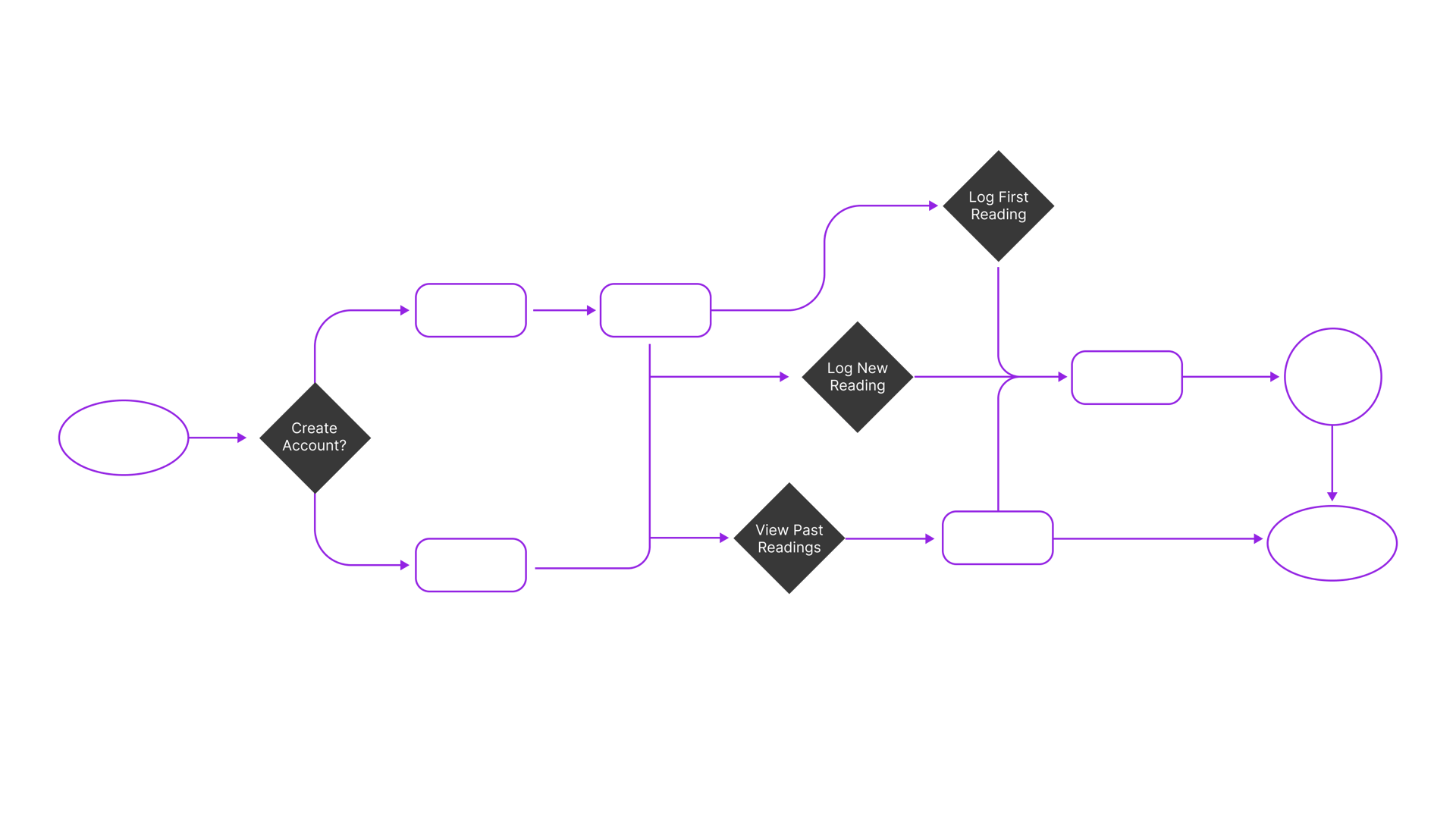
I wanted to take my UI designs from static screens to functioning application for myself or others to use. I wanted to decrease the barriers to monitoring Hypertension in all it's stages to stave off more serious medical conditions for myself and others.
1
Visual Generation: I used Figma Make to generate screens that are the basis of my App. I uploaded a welcome screen and prompted Figma Make to create onboarding screens explaining the tasks you can achieve with this app. Take readings for your blood pressure and record them to monitor trends, and export that data to your primary care physician.
--prompt--
I need 2-3 onboarding screens for the users first visit highlighting the main tasks for this app. Also create a style guide based on this welcome screen upload to apply to any new screen created for the mobile application.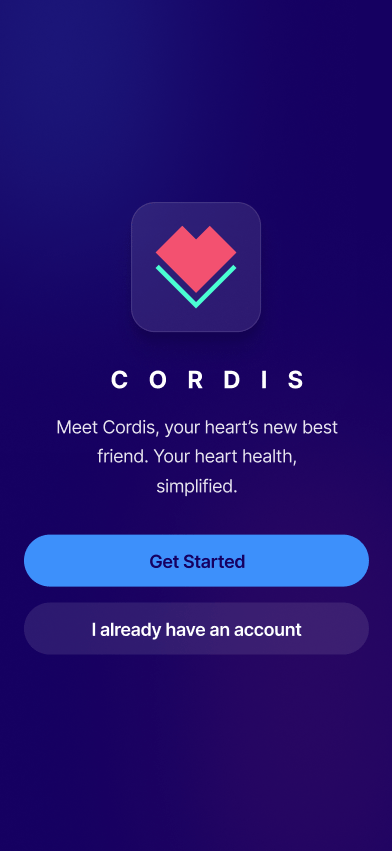
This project is ongoing, I will be updating the page as I make my way through development and testing. It will serve as my process journal.
